The Best Smart Home Devices for Homeowners Who Hate Fiddling With Apps
Devices that actually save you time and hassle instead of adding another app you have to babysit.
What's inside 6 sections
Quick answer: A smart thermostat, a water leak sensor near your water heater, a smart lock with a keypad, and a smart smoke/CO detector cover the actual practical wins in a smart home setup — energy savings, flood prevention, easier access, and better safety alerts — without turning your house into a project you have to maintain.
I fix houses for a living, and most of the "smart home" stuff I see installed is somebody's toy that got abandoned after the app update broke it for the third time. But a handful of these devices are genuinely useful and low-maintenance once they're set up right. Here's the short list that's actually earned a place in a working homeowner's house, not a tech reviewer's.
Smart Thermostat

This is the one with real, documented payback. A smart thermostat learns your schedule, detects when nobody's home, and adjusts heating and cooling automatically instead of running full blast on an empty house. Most homeowners see 10-15% savings on heating and cooling costs once it's dialed in, which on an average utility bill pays the device off within a year or two.
Setup takes about twenty minutes if your existing wiring is compatible — check the C-wire situation before buying, since some older systems need an adapter. After the initial setup, it mostly runs itself. That's the whole point. We go deeper on DIY repairs vs. calling a pro in a separate guide, worth a look if it's relevant here.
Water Leak Sensor

A leak sensor is a battery-powered puck, roughly the size of a hockey puck, that you place near your water heater, under sinks, or by the washing machine, and it sends a phone alert the second it detects moisture. It's the cheapest insurance policy in this whole list — a $20-$40 sensor that can catch a slow water heater leak before it becomes the kind of flood that ruins a floor and costs thousands to fix.
I'd put one under every water heater I service if it were up to me. It's not glamorous, but it's the device most likely to actually save you real money the one time it matters. If that side of it applies to you, closing costs buyers often forget covers it in more detail.
Smart Lock With a Keypad
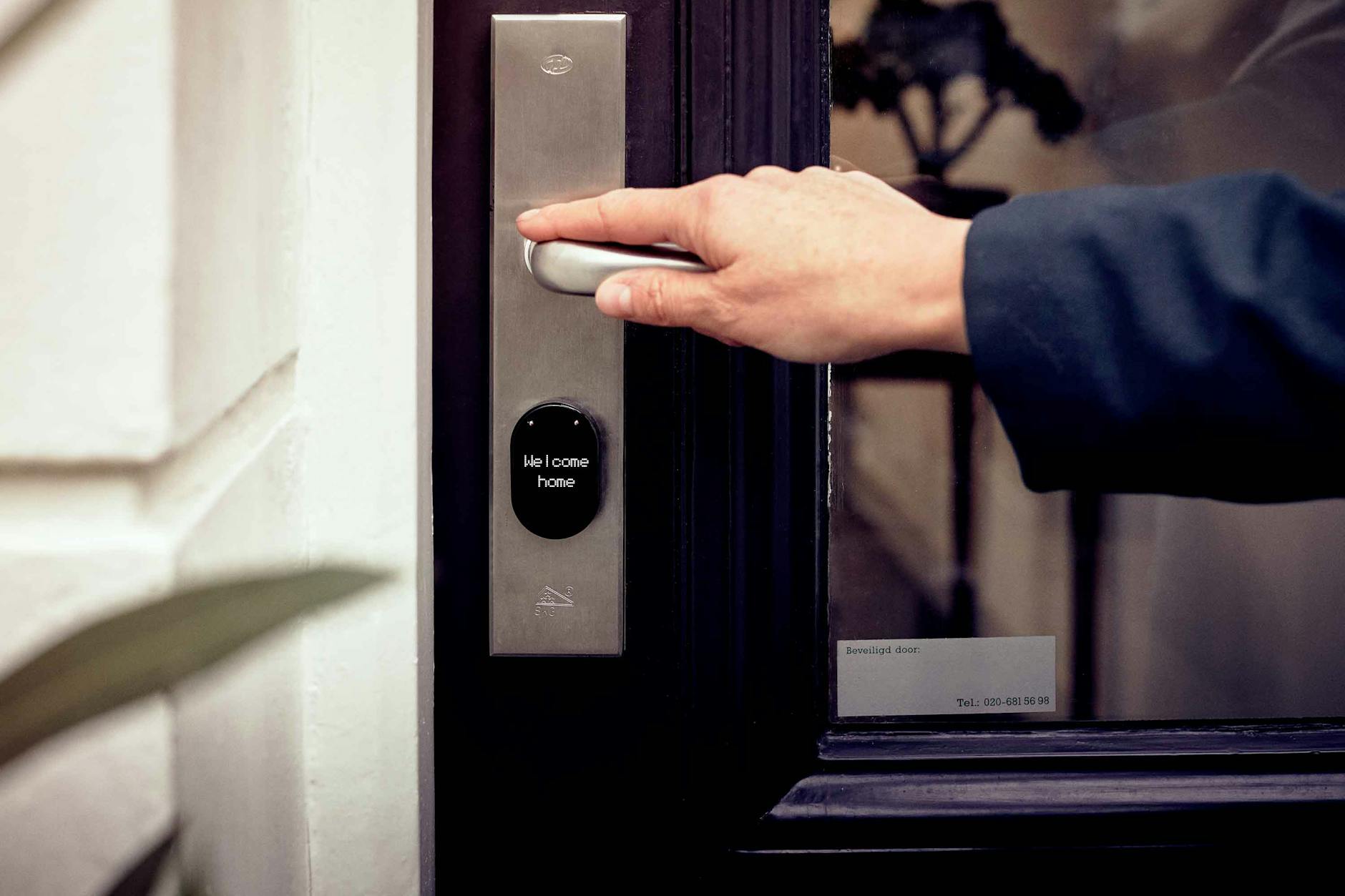
A keypad smart lock solves the practical problem of who else needs to get into your house — a dog walker, a cleaning service, a contractor, your kid who always loses their key. You give out a code instead of a physical key, and you can change or delete that code any time without rekeying anything.
Look for one with a physical keypad and a manual key backup, not one that requires a phone app for every single entry. The best ones work fine offline for day-to-day use and only need the app for changing codes or checking activity logs. For the official rules on this, see ENERGY STAR's certified product directory. The current figures are maintained by the DOE's Energy Saver program, worth bookmarking if you want to check for updates.
| Device | Typical Cost | Real Payback |
|---|---|---|
| Smart thermostat | $130-$250 | 1-2 years in energy savings |
| Water leak sensor | $20-$40 each | Immediate — one caught leak covers years of sensors |
| Keypad smart lock | $150-$300 | Convenience, not direct savings |
| Smart smoke/CO detector | $40-$120 each | Safety, not a financial payback |
Smart Smoke and CO Detector

A standard smoke detector only helps if someone's home to hear it. A smart one sends a push notification to your phone the second it goes off, which matters a lot if you travel, have a rental property, or just want to know your house isn't on fire while you're at work. Combined smoke/CO models are worth the small extra cost since carbon monoxide won't announce itself any other way.
Skip anything that turns a simple task into an app-dependent one. If a "smart" light switch takes longer to operate through an app than it would to just flip by hand, it's not actually solving a problem — it's creating one.
Start with the thermostat and a couple of leak sensors if you're new to this. They're the two devices most likely to pay for themselves without asking anything extra of you day to day, which is really the whole bar a smart home device needs to clear. If this is part of your situation, finding a contractor you won't regret hiring is worth reading alongside it.
What I'd Skip, and Why
Smart light bulbs get a lot of attention, but I'd rank them below the devices above in actual practical value for most households. They're fun for scheduling and color-changing tricks, but they require every single family member to remember to use the app or voice command instead of just flipping the switch on the wall, and in practice a lot of households end up with a mix of people who use the smart feature and people who just want the light to turn on immediately. If you do go this route, get switches or in-wall smart controls instead of bulbs specifically, so a normal wall flip still works for anyone in the house who doesn't want to deal with an app.
Smart refrigerators and other big-ticket "smart" appliances are another category I'd generally skip unless the smart features genuinely matter to you beyond novelty. You're paying a real premium for a screen and connectivity on an appliance whose core job — keeping food cold — doesn't actually improve because it's connected to WiFi, and the added complexity is one more thing that can break or need a firmware update at an inconvenient time.
Setup Tips That Actually Matter
Whatever you install, put everything on a dedicated guest network or at least a strong, properly secured WiFi network rather than sharing your primary network's credentials with every device in the house. Smart home devices have historically had a mixed security track record, and segmenting them reduces the risk that a vulnerability in a cheap smart plug becomes a way into your home network more broadly.
Also, write down or save the setup process for each device somewhere accessible — a note on your phone works fine — since re-pairing a device after a router reset or a power outage is a lot easier when you're not trying to remember the exact steps from memory eight months after the original setup.
Finally, check whether the devices you're buying rely on a company's cloud servers to function at all, or whether they still work locally if that company shuts down its servers or goes out of business. This has actually happened to real products over the years, turning a working device into an expensive paperweight overnight. It's not a reason to avoid smart devices entirely, but it's worth a quick check before you build too much of your home's function around a single company's continued existence.
Favor devices that support common, open standards where possible, since that generally means more longevity and less risk of being locked into one manufacturer's ecosystem permanently. It's a small detail at purchase time, but it's the difference between a device that keeps working fine for a decade and one that becomes obsolete the moment its maker loses interest in updating the app.